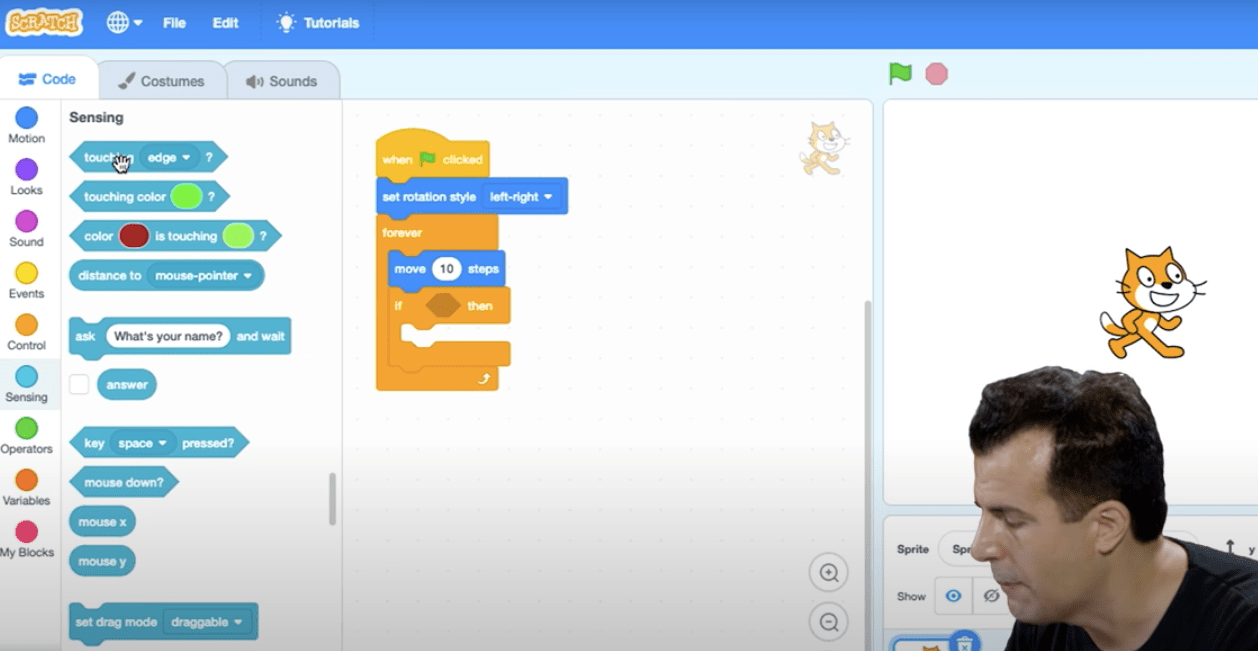
This week was a great introduction to the world of Computer Science, a peek into basic programming concepts, and an overview of using Scratch.
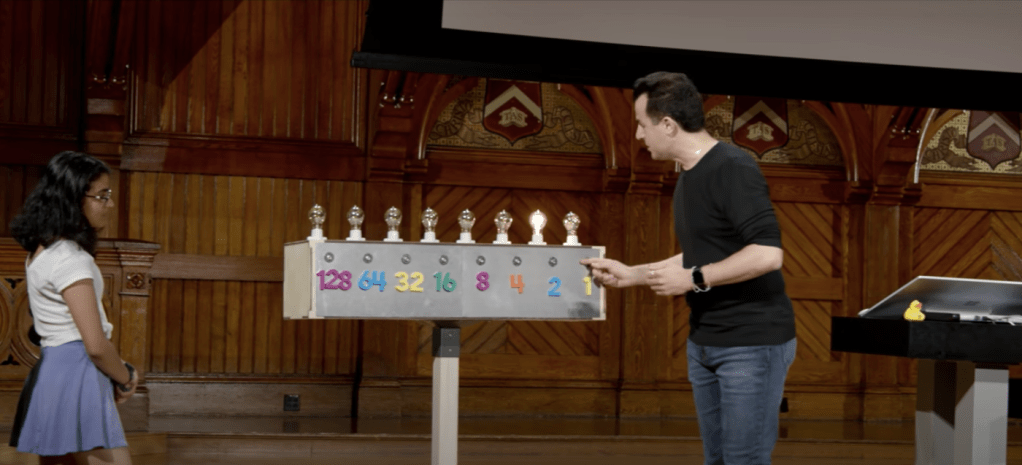
Right off the bat, the lecture introduced the language of binary and how computers speak at a fundamental level using 0’s and 1’s. This is something I already knew, but it was great to learn how binary is written, and how to represent certain numbers in binary*. 1 These numbers in turn get interpreted by other computer languages to represent different information. For example, ASCII is the language that maps binary numbers into characters that we use on our screens. Unicode is a newer version of this, and introduces even more characters to choose from, including the library of emoji’s. RGB uses binary code to represent colours by deciding how much Red, Green and Blue should be mixed together to form the colour of pixel on a screen**.
In a design class I once took, my teacher said that ‘Photoshop is just a big calculator’. I never knew what he meant until just now! David summed this all up when he said “At the end of the day, whatever medium we use to represent information, it all reduces down to 0’s and 1’s”.
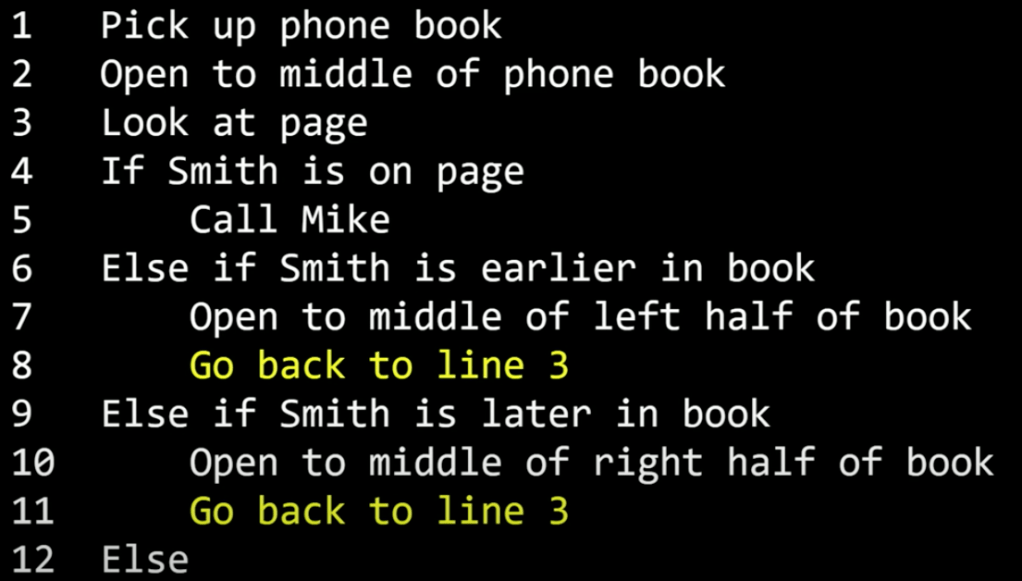
The lecture then moved on to briefly touch on some programming fundamentals, including:
- Sudo Code: Code that you speak informally to express an idea
- Functions: Tell a computer what to do
- Conditions: If/else statements
- Boolean Expressions: Questions you ask in a program that have true/false answers
- Loops: Cycles of code that do something again and again
- Variables: How you store information
David also touched on the concept of good coding practices vs bad coding practices, such as:
- Looping code, rather than copy and pasting code multiple times
- Defining blocks of code that can be reused
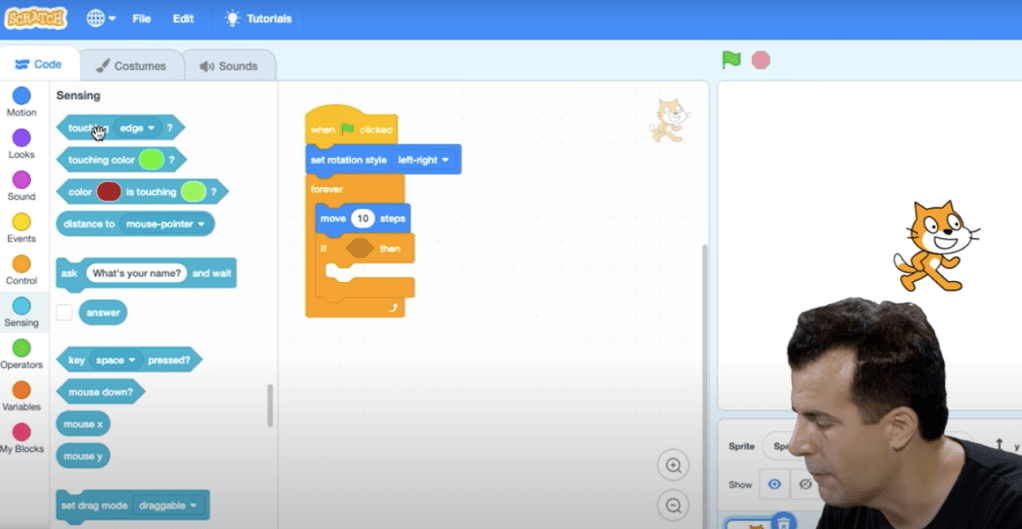
The lecture finished on an overview of Scratch, the beginner coding environment that uses ‘blocks’ that you drag and drop together to make things happen. These blocks mimic many core programming functions, and include Loops, Variables, Boolean Expressions, and much more. I can see how it’s a great way to begin creating and understanding your first pieces of code.
Assignment
This week’s assignment is to create any kind of Scratch project, making sure it has the following:
- At least two sprites, at least one of which must resemble something other than a cat.
- At least three scripts total (i.e., not necessarily three per sprite).
- At least one condition, one loop, and one variable.
- At least one sound.
- The project should be more complex than most of those demonstrated in lecture, but it can be less complex than Ivy’s Hardest Game. Generally speaking, the project should probably use a few dozen puzzle pieces overall.
- Final Thoughts
I really enjoyed this first lecture in Computer Science. I learned a lot that I know I wouldn’t have if I jumped straight into learning a programming language, such as how and why binary works, and I’m looking forward to this informing good practices for writing good code in the future. David is clearly an enthusiastic and motivating teacher, and I’m looking forward to getting stuck into my first assignment in Scratch!
* David explained how binary is written, with a series of 0’s and 1’s in different columns to represent different numbers. This made me understand much more about the difference between 32bit and 64bit computing – in binary, 32bit computing only has access to 32 columns of numbers, or bits, representing up to the number 2,147,483,647. By adding another 32 columns, or bits, that can represent higher numbers, the highest number that can be represented is 9,223,372,036,854,775,807, which is over 4 million times more numbers that can be represented!
** Video compression now also makes a lot more sense to me. The compression software analyses each frame of the video and groups together blocks of pixels that have similar colours. By representing blocks of pixels with the same colour value, the amount of binary data needed is reduced, resulting in a smaller file size.
 Harmless Goose